Skip to content

How It Works

With facial recognition, a computer program measures key points of a face from a photo. If these match previously stored features, the face is recognized. A unique encrypted profile is created by converting these points into a secure code. This code cannot be traced back to a real face and is safely stored in a digital vault in the Netherlands with strict security and strong encryption.

Good to Know: The (securely stored) data is automatically deleted one day after departure. Guests also retain the right to withdraw their consent for facial recognition at any time.

Data and System

For facial recognition, we work with our provider Easysecure, a specialist in access control and certified under ISO 27001 and Data Pro. Easysecure uses IdentySoft software, which is hosted in Cyso’s data centers. Cyso holds ISO 20000, ISO 27001, and NEN 7510 certifications. The IdentySoft servers are distributed across three geographically separated Tier 4 data centers in the Netherlands. 

If you prefer not to use facial recognition, please stop by the reception!

Frequently Asked Questions about facial recognition

Do you have a question? Check below to see if the answer is already here. If not, please contact the reception.

We’re happy to help!

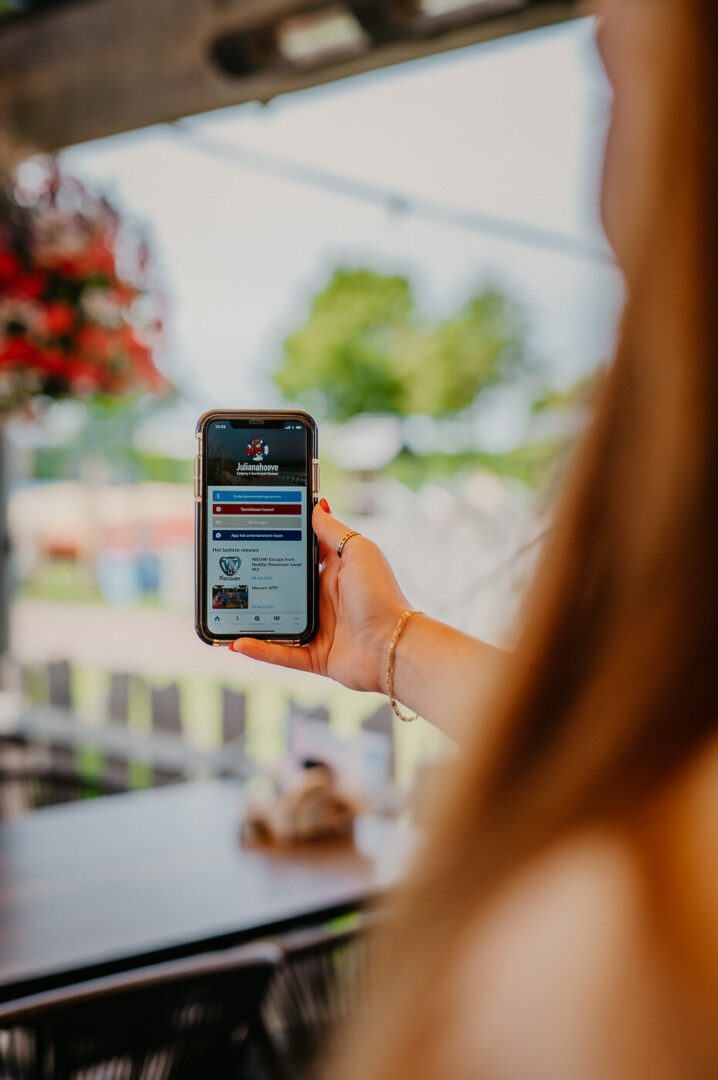
Access to the swimming pool works with facial recognition. Through My Julianahoeve, under the ‘swimming pool access’ section, our guests can upload a facial photo. The photo is used solely for swimming pool access and is automatically deleted 24 hours after departure. If you prefer not to use facial recognition, we also offer alternatives. The reception can provide more information about these options.

Check the opening hours here.

During German and Dutch holidays, the swimming pool is only for park guests. In winter, families and seniors who are not staying at the park are also welcome to swim. Children up to 17 years old must be accompanied by an adult.

The spray park is outdoors, it will only be open in good weather

Right before uploading your photo, you need to accept the terms and conditions by checking the two blue checkmarks. Make sure you have done this. If it still doesn’t work afterwards, please contact the reception.

We recommend uploading a photo for everyone, except for babies. This way, everyone can easily pass through the turnstile. Good to know: the screen is positioned quite high, so small children cannot enter alone.

The photos are synchronized every 15 minutes, so you may need to wait a little while. Still not working afterward? Check whether you followed the guidelines (passport-style photo, plain background, etc.). If you’re unsure, we’ll be happy to help you at the reception.